Kagi is an excellent search engine for those looking for a more privacy-focused search experience.
Search for something on Brave Search, and you'll be greeted with a recognizable search results page with the Images, News, Video, etc.
Unlike many Google Search alternatives, Brave isn't simply a wrapper on top of Bing or Google.
The search results are mostly relevant, but ads do take up a major chunk of the search results page.
Switching from Google Search has never been easierAs big tech races itself to the bottom, there's never been a better time for alternative platforms.
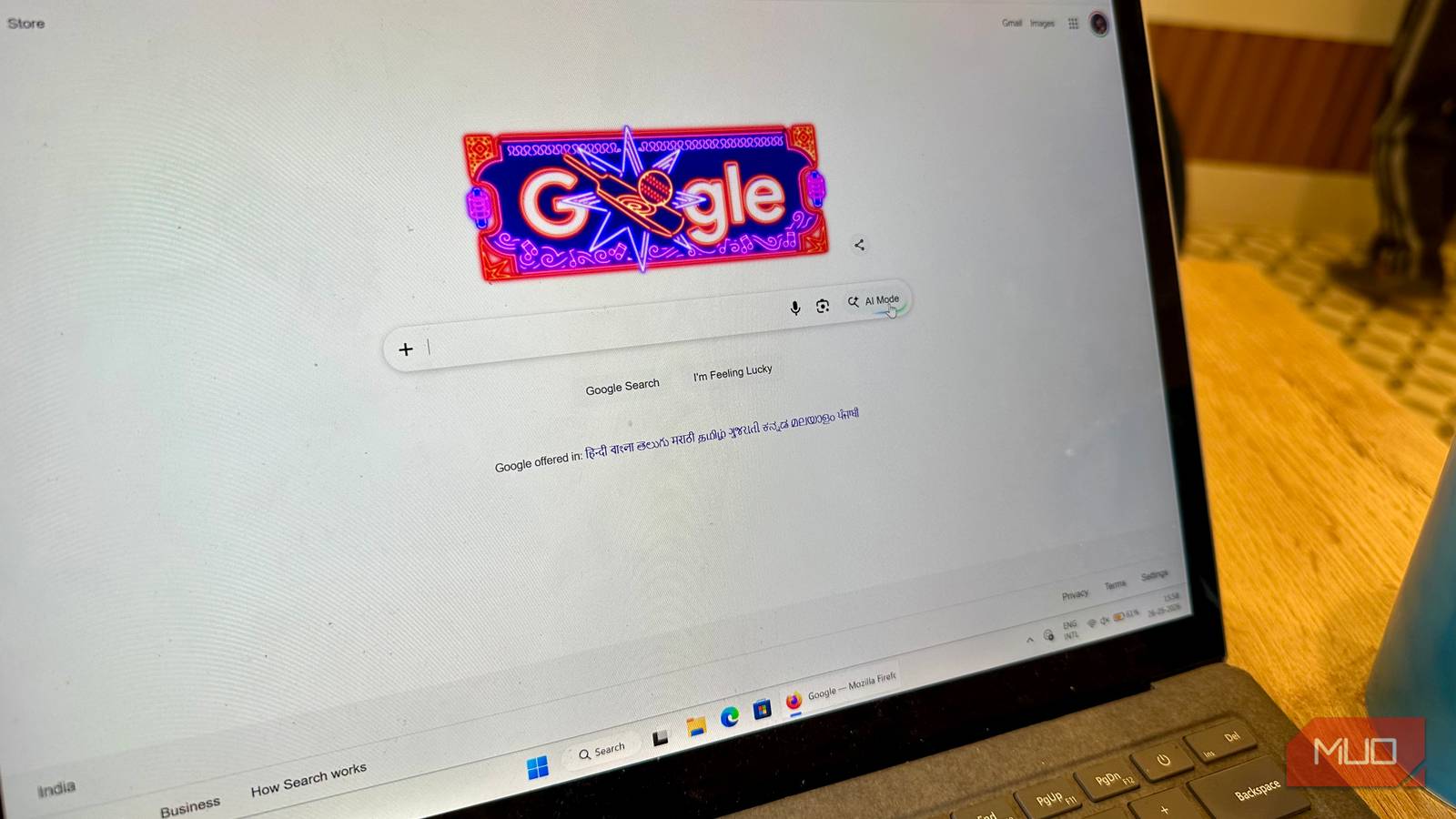
I'll admit it: it's getting really difficult to defend Google at this point. Their search engine seems to be getting progressively worse because I usually find what I'm really looking for on the third page and beyond. The AI Overview feature tends to display inaccurate information, like all other LLMs, and I need to cross-check it anyway. I'd hoped Google would address this at the recently concluded Google I/O 2026 keynote. Sadly, it was wishful thinking on my part, because Google actually doubled down on its AI-driven approach to search: the AI Mode option is now at the forefront of search, and the AI Overview feature will now have a chat box, making Google Search more like a chatbot than a search engine.
Thankfully, switching over from Google to another search engine isn't as cumbersome as it was a few years ago. The internet is rife with alternatives that care about your search intent, personal data, and don't force AI features on you.
Kagi Search
Paying for search is worth it, trust me
The saying, "If you aren't paying for a product, then you are the product," has become ubiquitous over the past few years. It applies to Google, too. The Search feature is free because it tracks you across websites and creates a profile of you for targeted ads, and even the Do Not Track feature can't do much about it. Google makes money when you click on these personalized ads.
Kagi is an excellent search engine for those looking for a more privacy-focused search experience. It doesn't track you across websites, nor does it collect any information from you to sell to potential advertisers because, well, there are no ads on Kagi. Since it doesn't run ads, Kagi charges you a subscription fee to use it: plans start at $5, with the $10 plan having unlimited searches. But you can take a test run of 100 free searches before purchasing a subscription.
I found Kagi's user experience superior to Google's. It recognized my search intent better and didn't prioritize SEO slop over helpful information. In fact, the company prioritizes "small web" (recent information from smaller independent blogs and creators) results for specific queries. There's no annoying AI overview, though you can enable it if you so require. Additionally, the Lens feature lets you filter out search results based on your needs: for example, if you're a scholar, you can select the Academic option from the Lens drop-down, and Kagi search will prioritize .edu domains in the search results.
Brave Search
A better Google, when it comes to both browsers and search engines
Better known for its excellent web browser, Brave also has a search engine that looks like a cleaner version of Google. While the free version does serve you ads, they're not as intrusive as Google's. You can upgrade to Brave Search Premium if you want to get rid of ads altogether.
Search for something on Brave Search, and you'll be greeted with a recognizable search results page with the Images, News, Video, etc. tabs at the top. But there's something more: a Goggles tab. Goggles in Brave Search are a way to intelligently filter search results, with options like News from the Left, News from the Right, Tech Blogs, and my favorite: No Pinterest. The optional AI summarizer can be disabled if needed.
Brave Browser OS Windows, macOS, Linux, Android, iOS Developer(s) Brave Price model Free iOS compatible Yes Brave is an open-source web browser focused on privacy, speed, and user control. Its standout features include Shields, which block ads, trackers, cookies, fingerprinting, and more by default, giving users granular privacy protection without the need for extensions.
Unlike many Google Search alternatives, Brave isn't simply a wrapper on top of Bing or Google. It has its own crawlers and an independent index, which means there's no real bias in the search results. However, an independent index built by a relatively young company has drawbacks, as Brave Search often fails to identify the search intent behind open-ended queries. Like Google, you can use search operators to refine what you're looking for in Brave Search.
DuckDuckGo
Google's oldest rival is the most feature-packed alternative
DuckDuckGo is probably the most well-known Google Search alternative out there, and for good reason. It offers a classic search experience that drew people to Google in the first place. Sure, it has ads too, but DuckDuckGo doesn't serve them to you by profiling you and tracking your activity. Instead, the ads are based purely on the current search query.
I particularly like the Bangs feature on DuckDuckGo. Bangs are shortcuts that directly take you to a specific website for your search query, so you don't spend time filtering through the results and finding that website. For example, "!w deconstruction" will directly take you to the Wikipedia page for the term, Deconstruction.
Related The Pros and Cons of DuckDuckGo's Privacy-Friendly Desktop Browser The privacy-conscious search engine has launched a new browser, but can you trust it to look after your data? Is it really private?
Since DuckDuckGo doesn't track your search history and profile, search results for your queries may be different from what you're used to. Google's search results are skewed and based on what you're most likely to click on, creating a Filter Bubble that DuckDuckGo's blog, Spread Privacy published a study on. You can also do typical Google searches on DuckDuckGo, like calculations, setting a timer, currency conversions, and more, by simply searching for them.
Ecosia
Your searches could be good for the environment
The concept behind Ecosia may sound greenwash-y: they plant trees using the profits made from your searches. However, the company is quite transparent about its conservation and tree-planting efforts and frequently publishes reports on them. It's nice to know that even a simple search is contributing positively to the environment.
Subscribe to the newsletter for smarter search choices Discover how to choose and switch to search engines that respect privacy and surface better results, subscribe to the newsletter for curated comparisons, practical tips, and clear coverage of alternative search options. Get Updates By subscribing, you agree to receive newsletter and marketing emails, and accept our Terms of Use and Privacy Policy . You can unsubscribe anytime.
In addition to being environmentally friendly, Ecosia is a genuinely good search engine. I've been using Ecosia on and off for the past two years, and my search experience on it has only gotten better. The search results are mostly relevant, but ads do take up a major chunk of the search results page.
Ecosia doesn't display an AI overview by default. But it doesn't completely lack AI features either. When you're searching for something, simply click on the Google Gemini-esque logo next to the query to open an AI chat box with the search query typed in. It's ironic in more ways than one, because Ecosia uses AI models like GPT-4 from OpenAI to power its AI features.
Switching from Google Search has never been easier
As big tech races itself to the bottom, there's never been a better time for alternative platforms. When it comes to search engines, there's no dearth of options. In addition to a better user experience, most of these search engines (except Ecosia and Brave) have also built up large indexes over the years, so you're not really missing out on much when ditching Google.