Google released version 153 of its Chrome web browser on September 9, the latest stable release.
The introduction of dedicated elements for individually managing camera and microphone follows the <usermedia> element that debuted in Chrome 151, aiming to simplify implementation while maintaining the security model around media access.
Dedicated Camera/Microphone Elements and Expanded Iterator ProcessingChrome 153 introduces new <camera> and <microphone> elements.
When these elements are placed on a page, a dedicated browser-managed UI appears within the web page.
Rust-Based XML Parsing and Improved Scroll ControlOn the security front, portions of XML parsing have been replaced with a Rust-based implementation emphasizing memory safety to protect users from memory-related vulnerabilities.
Google released version 153 of its Chrome web browser on September 9, the latest stable release. Major changes include new HTML elements dedicated to camera and microphone access, support for Iterator.zip() to process multiple iterators together in JavaScript, and the partial migration of XML parsing to Rust for enhanced security.
This release lays groundwork for web application developers to handle media features more securely and efficiently. The introduction of dedicated elements for individually managing camera and microphone follows the <usermedia> element that debuted in Chrome 151, aiming to simplify implementation while maintaining the security model around media access.
Dedicated Camera/Microphone Elements and Expanded Iterator Processing
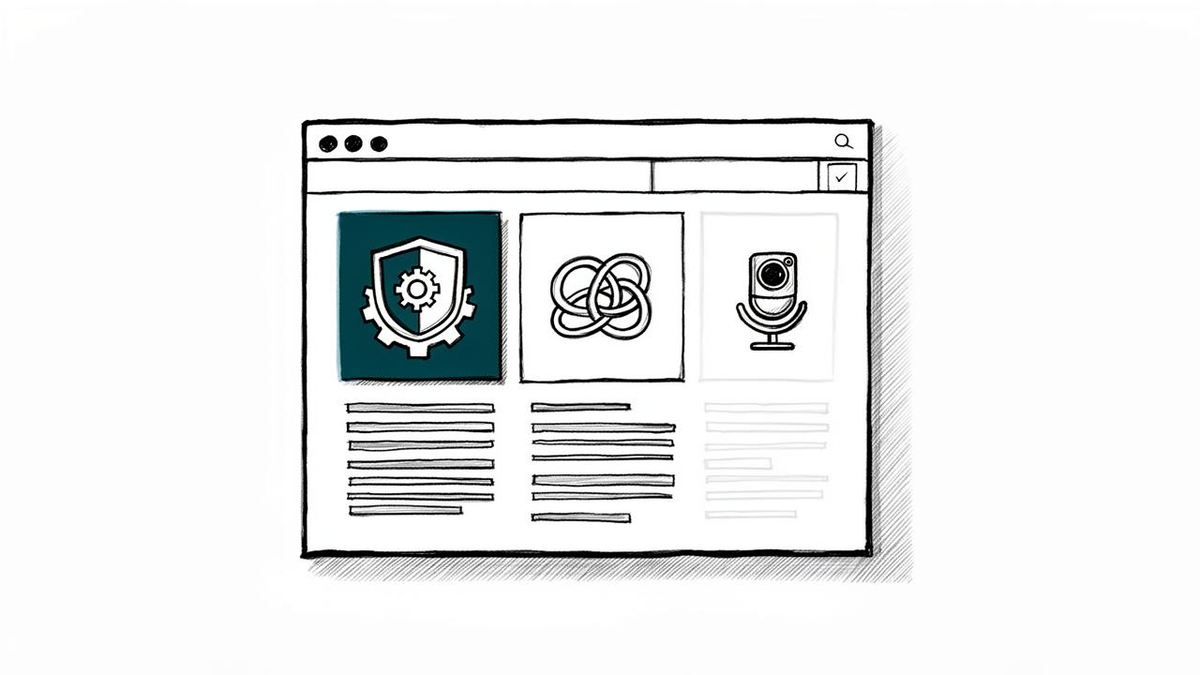
Chrome 153 introduces new <camera> and <microphone> elements. These HTML elements allow web pages to separately request video capture from a camera and audio capture from a microphone, tailored for cases where only a single capability is needed.
When these elements are placed on a page, a dedicated browser-managed UI appears within the web page. Permission confirmation and stream initiation occur only after the user explicitly clicks this UI. Because the browser strictly controls styling, websites cannot freely alter its appearance. While maintaining the same security model and permission restoration features as <usermedia> , web apps that only need a camera or only a microphone can now be implemented more simply.
On the JavaScript side, "Joint Iteration"—which advances multiple iterators simultaneously and retrieves values together—is now supported, with the addition of Iterator.zip() and Iterator.zipKeyed() . Passing multiple iterable objects to Iterator.zip() as an array generates a new iterator that groups values at corresponding positions into arrays. By default, processing ends when the shortest iterator completes.
The mode option allows behavior modification. shortest stops when any iterator finishes; longest continues until all iterators complete, filling gaps from earlier-terminated iterators with undefined by default; strict throws a TypeError if iterator lengths do not match. Iterator.zipKeyed() retrieves values as a keyed object rather than an array.
Additionally, Iterator.prototype.join() was added, which concatenates values returned by an iterator into a string. Similar to Array.prototype.join() for arrays, it allows combining iterator contents into a single string using any delimiter such as commas or hyphens.
Rust-Based XML Parsing and Improved Scroll Control
On the security front, portions of XML parsing have been replaced with a Rust-based implementation emphasizing memory safety to protect users from memory-related vulnerabilities. The new parser is used in cases that do not require XSLT, specifically including the DOMParser Web API, access to responseXML on XMLHttpRequest, directly opening SVG files, and loading SVG images as external resources.
Chrome is also progressing with the deprecation and removal of XSLT itself. In that process, the goal for XML processing that does not use XSLT is to reduce the risk of memory corruption bugs while maintaining compatibility with existing web standards.